The index
/reels is every published reel, newest first, as a grid of vertical tiles. No account, no sign-in, nothing to press before it plays.
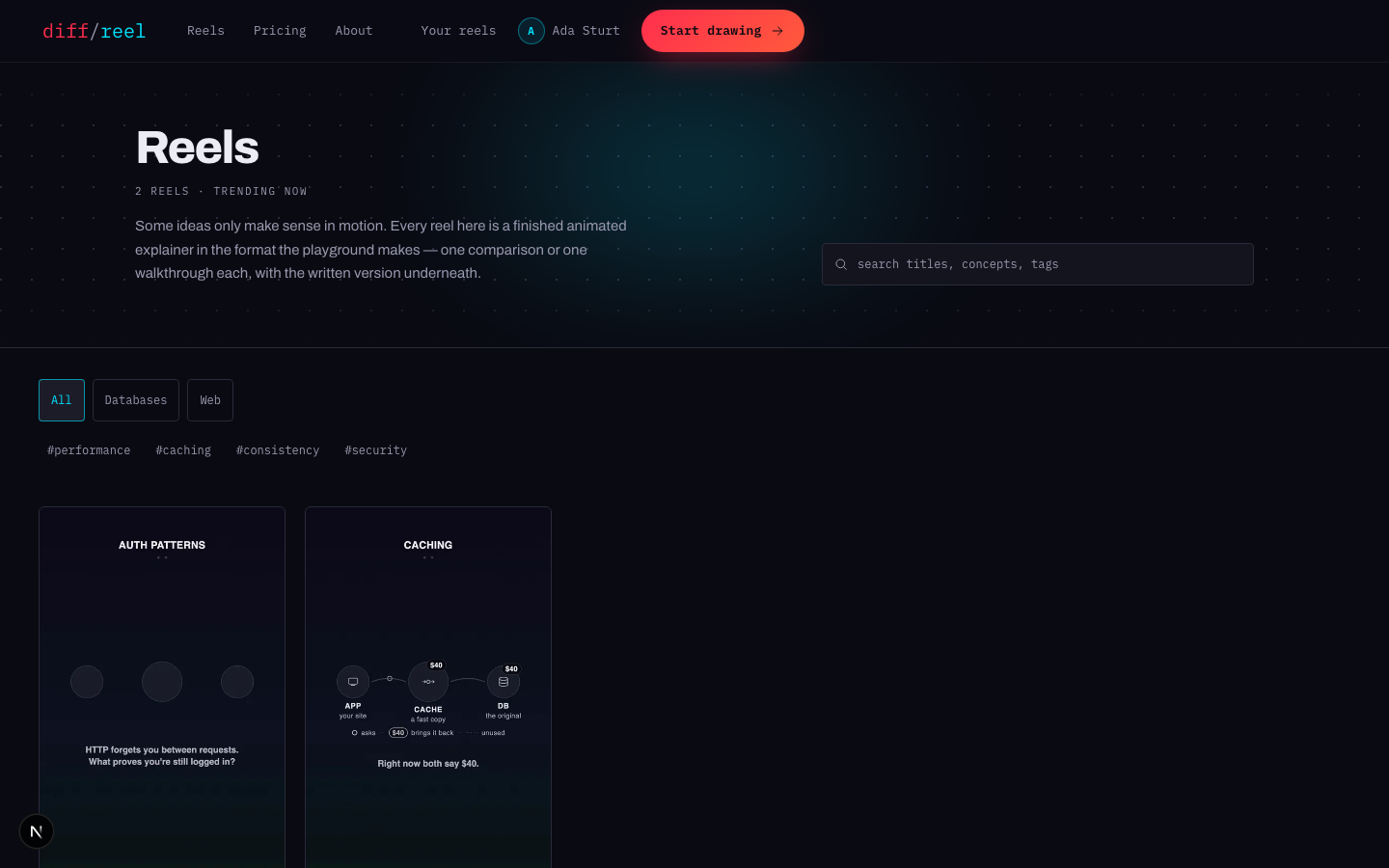
| Way in | What it lists |
|---|---|
| /reels | Everything, newest first. |
| /category/… | One subject area. |
| /tag/… | One idea, which can cross categories. |
| /authors/… | Everything one person made, with their profile. |
| /rss.xml | The feed, for a reader that takes one. |
Searching and filtering keeps to the URL, so a filtered listing is a link you can send somebody.
A watch page
Opening a reel from the index plays it right there, over the listing. Opening its own page — /reels/… — gives you the reel plus the article written under it.
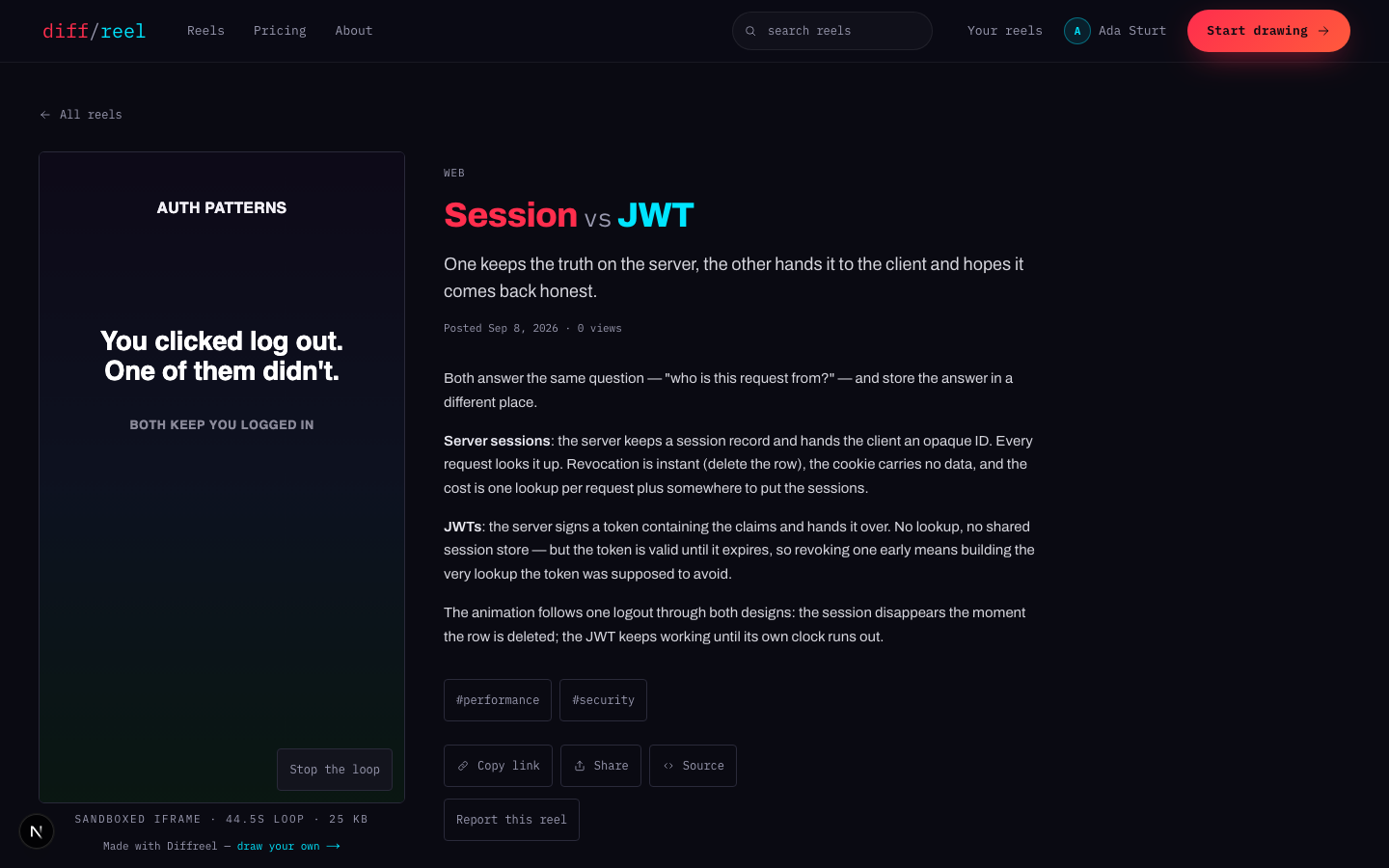
- The reel plays on its own, loops, and respects a reduced-motion setting.
- The article is the long version — the thing you send to somebody who wants the detail the reel had to leave out.
- The details underneath: who made it, when, its category and tags, and a way back into each.
Reporting a reel
At the bottom of a watch page, Report this reel opens a box asking what is wrong with it — a misleading claim, offensive content, a trademark. Reporting needs an account; an anonymous report button is a way of flooding a queue that is somebody's working day.
Reporting a reel
- What changes
- A flag is raised for a moderator, with your reason attached.
- Who sees it
- Only moderators. Nothing about the report appears on the site, and the reel keeps playing meanwhile.
- When to do it
- Something is genuinely wrong with the reel — not because you disagree with it.
- How to undo it
- You cannot withdraw a report from the site. Reporting the same reel twice does not raise a second flag.