Six sections
/account is one page with a rail down the side. Each section holds one fact or one action.
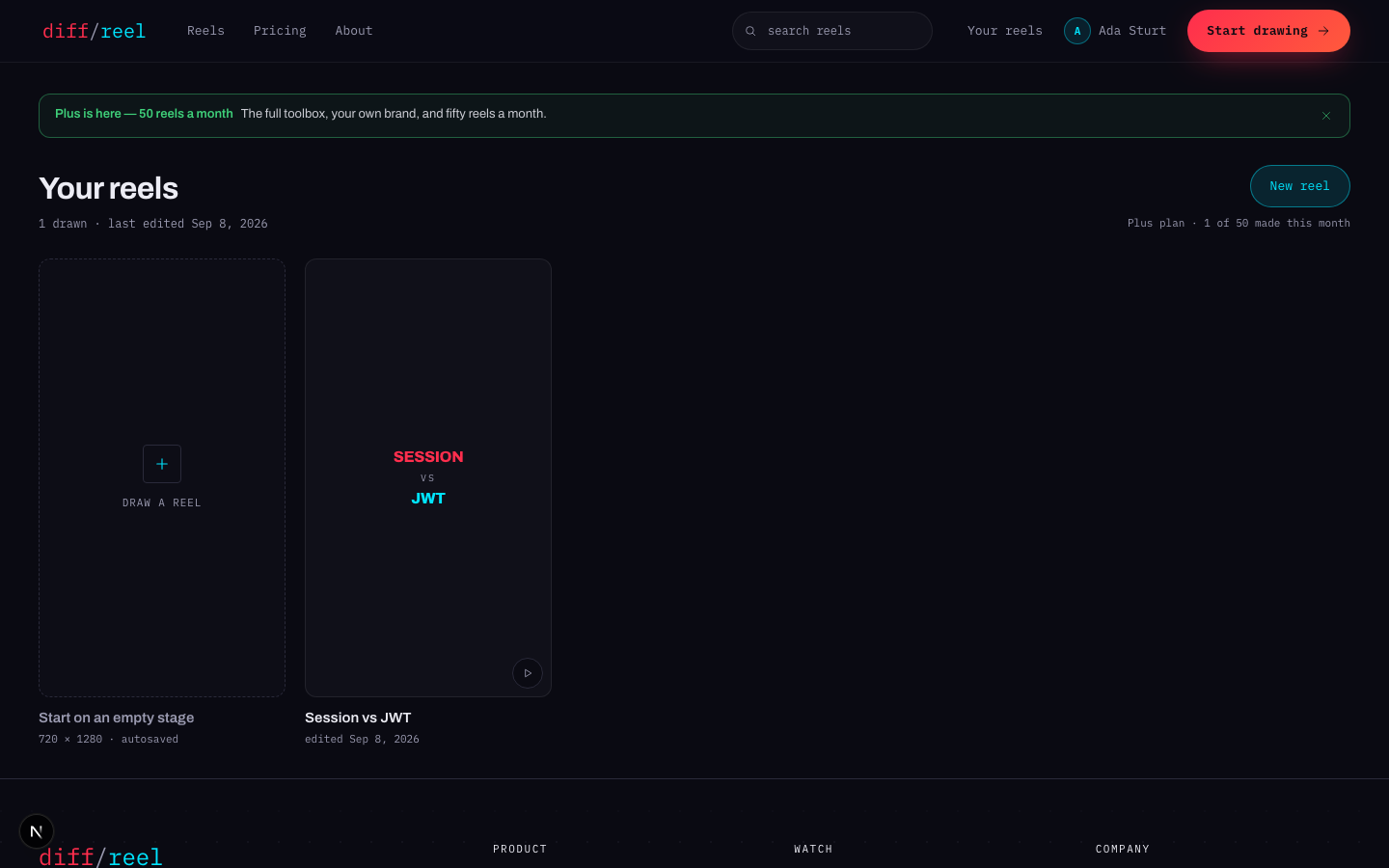
| Section | What is there |
|---|---|
| Your reels | The most recent, and the way into the rest of them. |
| Plan | Which plan, what it costs, checkout, auto-renew, invoices. |
| Profile | Your name, your address, and Delete this account. |
| Password | Change it. |
| Sessions | Every browser currently signed in as you. |
| Activity | Recent sign-ins, successful and failed. |
Name and address
Changing your name
- What changes
- The name shown on anything you publish. It does not change how you sign in.
- Who sees it
- You, and anyone reading something published under your name.
- When to do it
- Whenever.
- How to undo it
- Change it back. Nothing is kept from the old one.
The address is what you sign in with and is not shown publicly. It cannot be changed from this screen.
Changing your password
Changing your password
- What changes
- The password, and every other session is signed out — the browser you are on stays in.
- Who sees it
- Only you. It appears in your own Activity list.
- When to do it
- Routinely, or the moment Sessions or Activity shows something you do not recognise.
- How to undo it
- You cannot restore the old one; set a new one again. Signed-out devices simply sign in again.
Sessions and activity
Sessions lists the browsers currently signed in as you, with the device and when each was last used. You can end one, or end all the others at once.
Signing out other sessions
- What changes
- Those browsers are signed out immediately and have to sign in again. The one you are using is not affected.
- Who sees it
- Whoever was using them.
- When to do it
- A shared or public machine you did not sign out of, or a session you do not recognise.
- How to undo it
- Nothing to undo — sign in again on that device. If you did not recognise the session, change your password too, or it can simply come back.
Activity is the record: recent sign-ins with device, rough location and whether they succeeded. Failed attempts appear here too, which is the point — a run of failures from somewhere unfamiliar is the thing you want to see.
Deleting your account
At the bottom of Profile. It asks for your password — a session proves you were let in once, not that you still own the address.
Deleting your account
- What changes
- The account, its sessions and every reel drawn under it are removed.
- Who sees it
- Nobody else — but anything already published under your name stays published.
- When to do it
- You are done, and you have downloaded anything you want to keep.
- Cannot be undone
- Nothing. This one is final: download your reels first.