Buying Plus
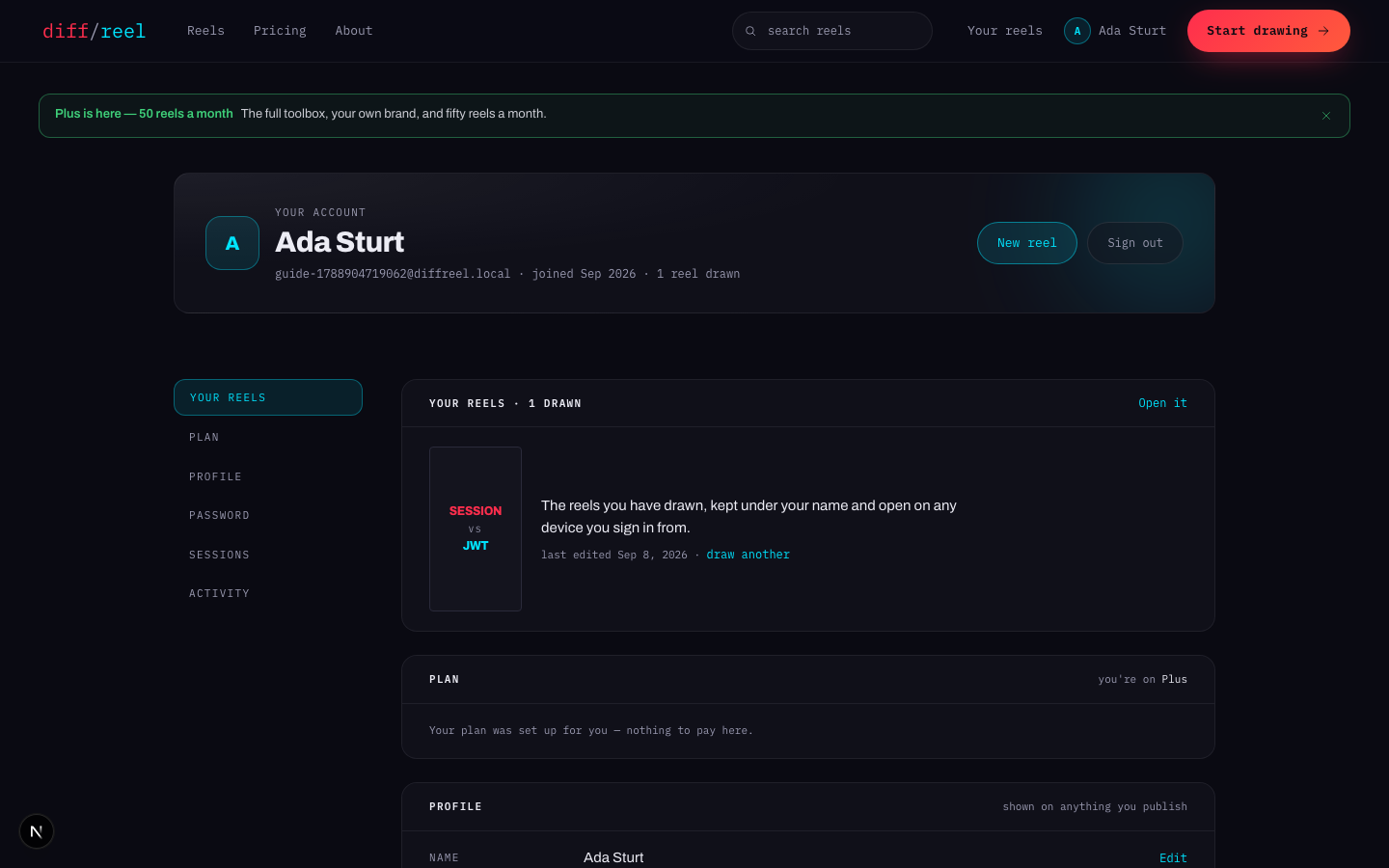
Open the Plan section
/account, then Plan in the rail. It shows the plan you are on and, if Plus is for sale, the terms you can buy.
Pick a term
Plus is sold by the month, and for a run of months at a lower monthly rate. The card shows the per-month price for each.
Pay in the checkout window
Checkout opens over the page. It is run by Paddle, who are the merchant of record — the card details go to them and never touch this site.
Come back
Access is granted when Paddle confirms the payment, which is usually seconds. If the page still says Free, give it a moment and refresh; nothing is lost in between.
What you are buying
Access, measured in days, granted per month you paid for. The Plan section shows the exact date it runs to — Plus until… — in your own timezone, along with the next renewal.
Nothing revokes access early except a refund or a chargeback, which shortens the window to now. If the payment system is unreachable, access is left alone rather than removed — a bad minute somewhere else should not take your toolbox away.
Stopping auto-renew
Turning auto-renew off
- What changes
- Nothing today. Plus runs to the end of what you have already paid for and then stops renewing.
- Who sees it
- Only you. The Plan section says auto-renew is off and shows the date access ends.
- When to do it
- You do not want another term. Do it any time before the renewal — there is no notice period and no benefit to waiting.
- How to undo it
- Press Resume in the same place, any time before access ends. You keep the same term and the same price.
When the date passes, the account moves back to Free. Your reels are untouched — see what changes when a plan gets smaller.
Invoices and payment method
- Invoices — every completed payment is listed in the Plan section with a link to its PDF. The links are minted fresh each time and expire, so open one rather than bookmarking it.
- Changing card — the payment method link opens Paddle's own portal in a new tab. Card details are changed there, never here.
- Refunds and receipts — Paddle is the merchant of record, so they are on the receipt and they handle tax. A refund clamps access at once.